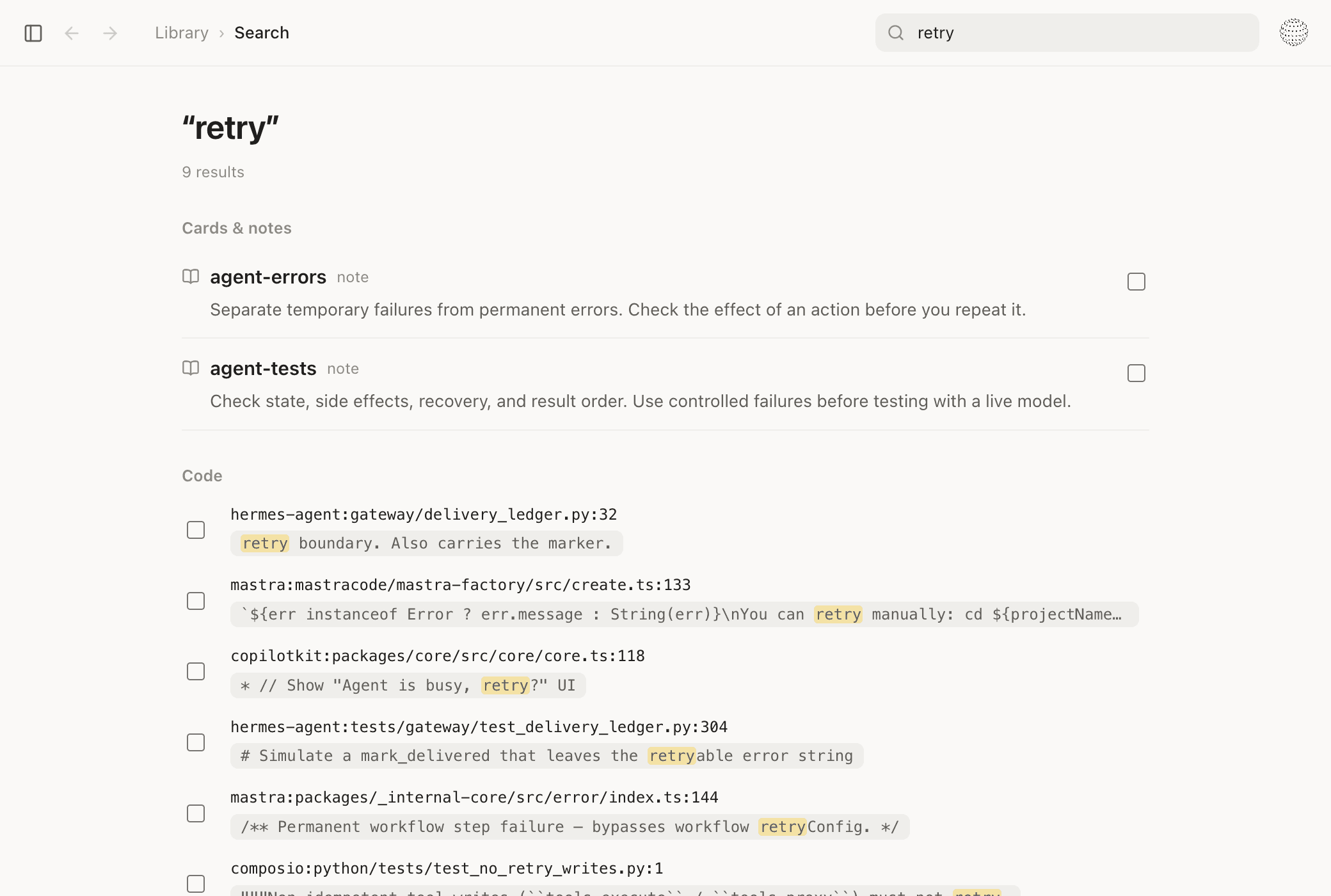
Search the code
Search source files, project summaries, and notes. Limit the search to one project.

 Codex
 Grok
Stop repeating research, rebuilding what already works, and losing track of code changes. Start giving your coding agents proven patterns that help them build better software.
macOS · Apple Silicon · Preview
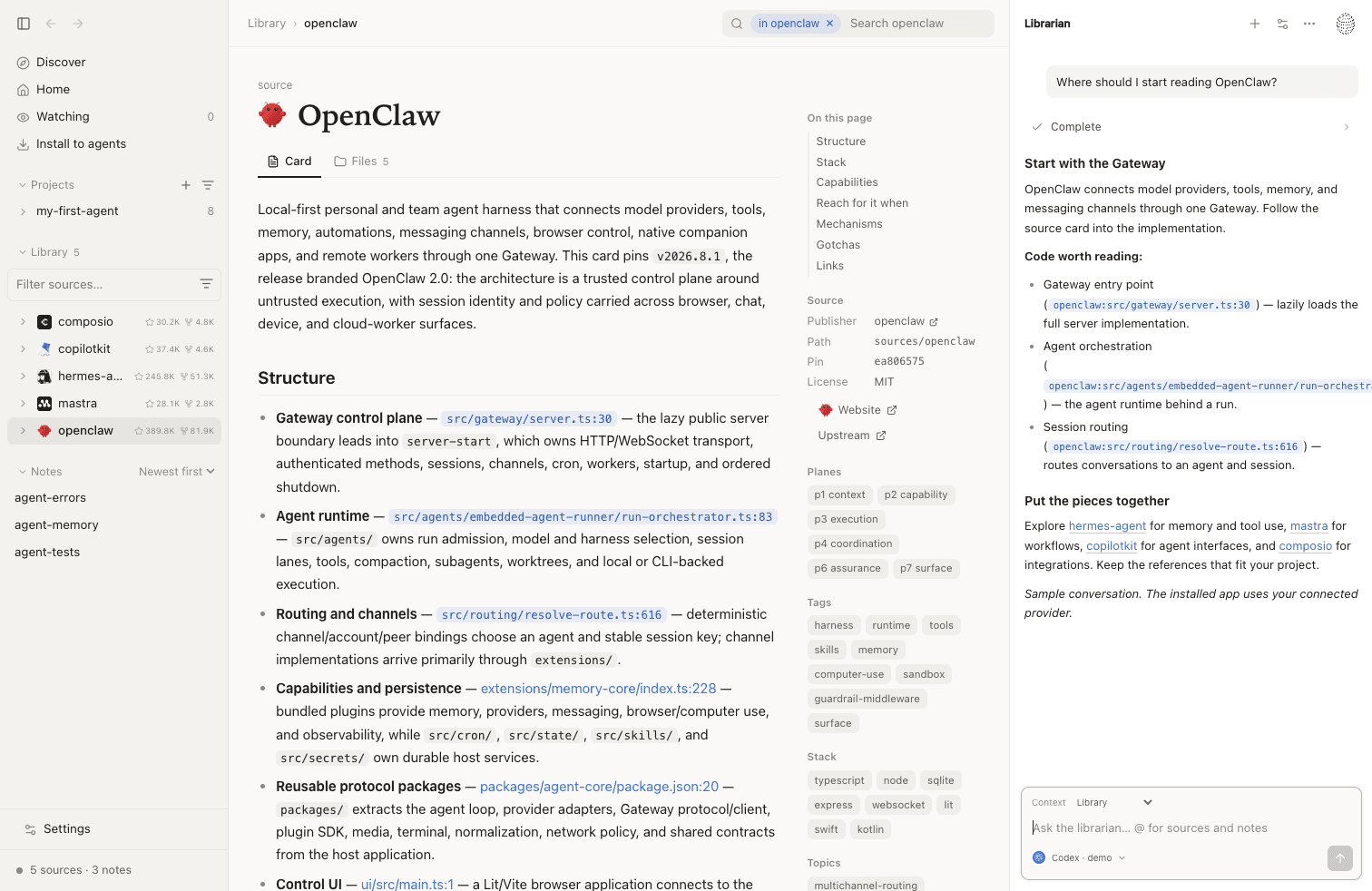
57 projects in the catalog, each at a fixed commit.
 OpenClaw
 DeepSeek Harness
 Pi
 GBrain
Search source files, project summaries, and notes. Limit the search to one project.
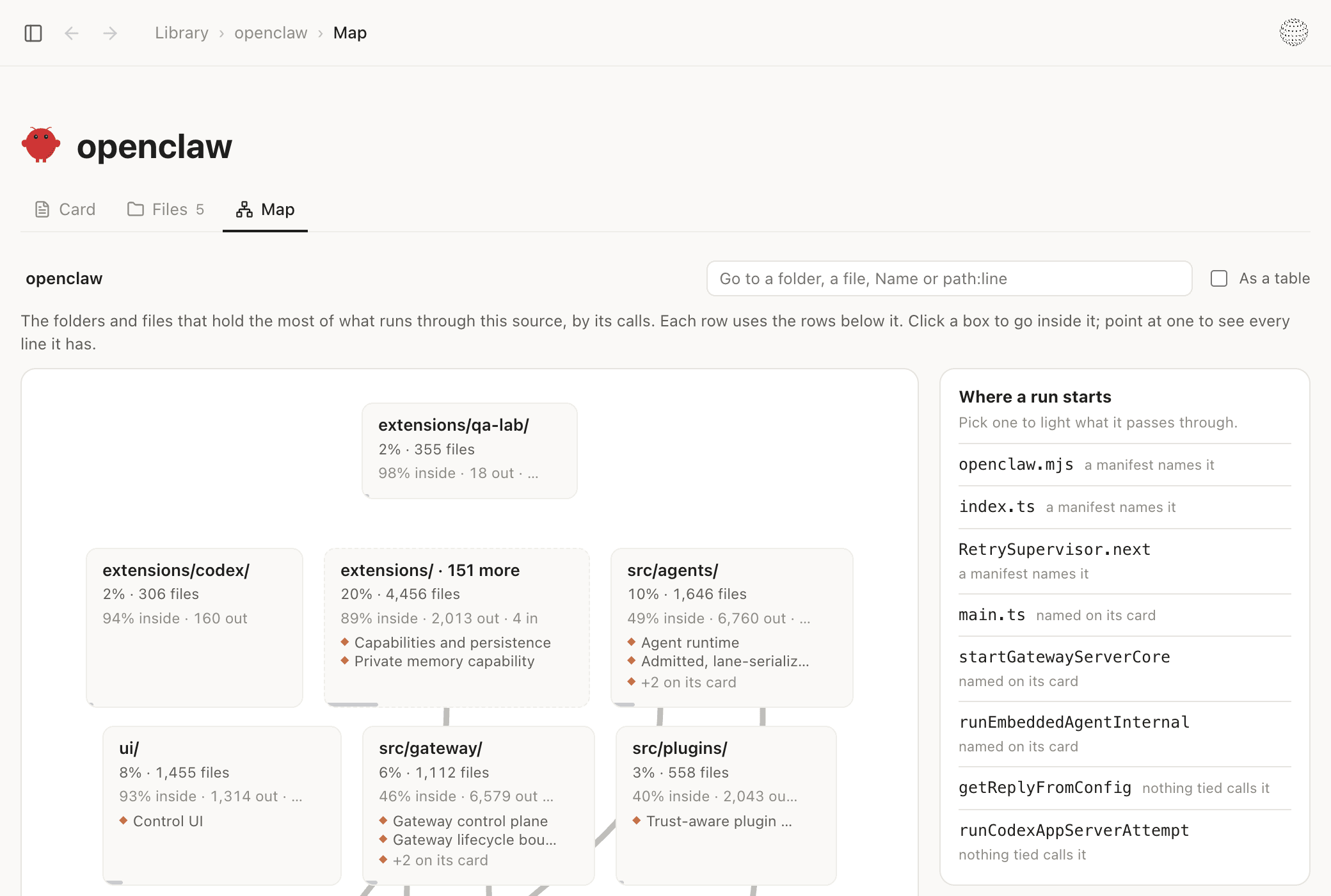
See the main parts of a project and where its runs start. Open a part to go further in.
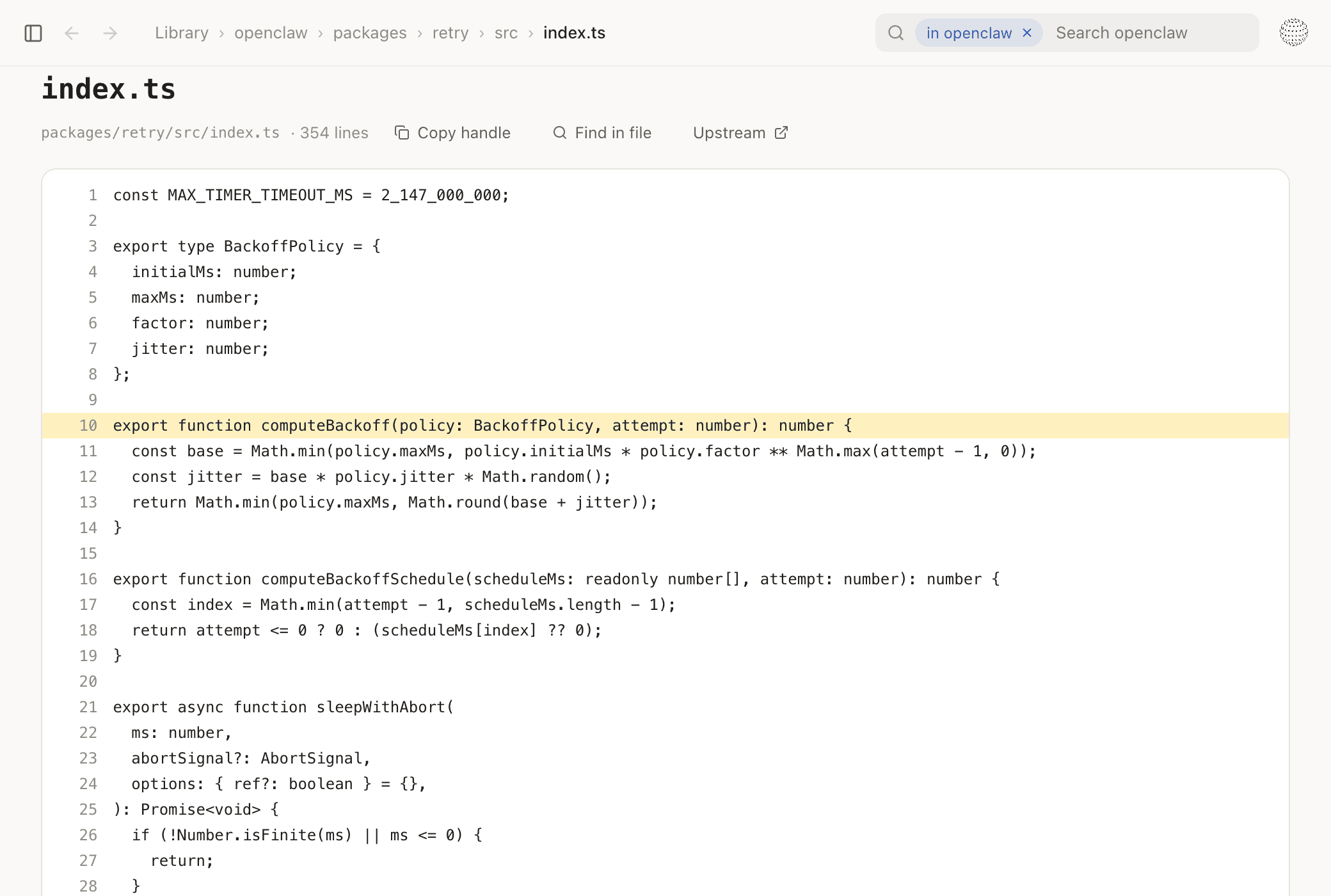
Open a code reference from a note or answer. Read the file at the recorded version.
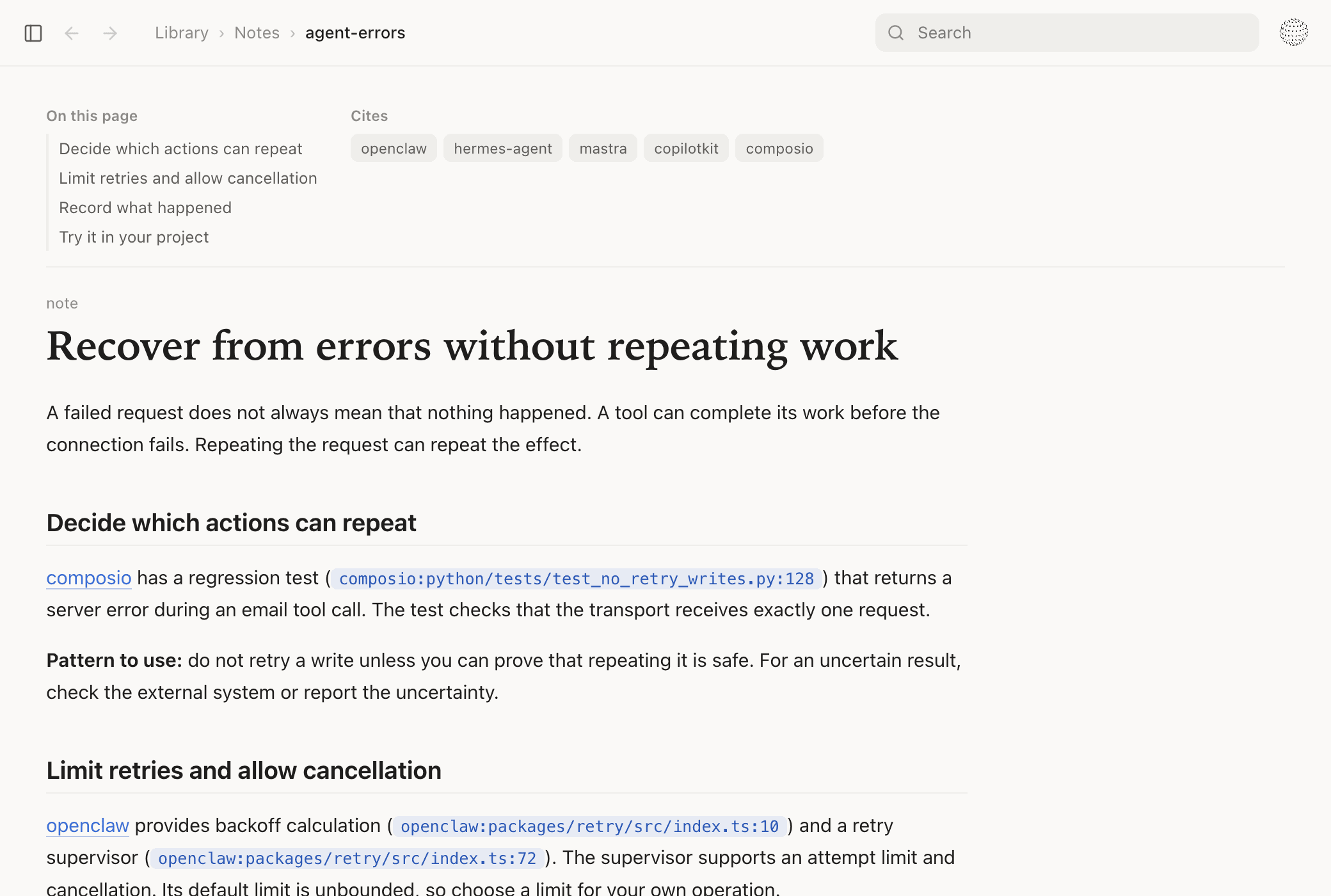
Write a note with links to the code. Edit it as your understanding changes.
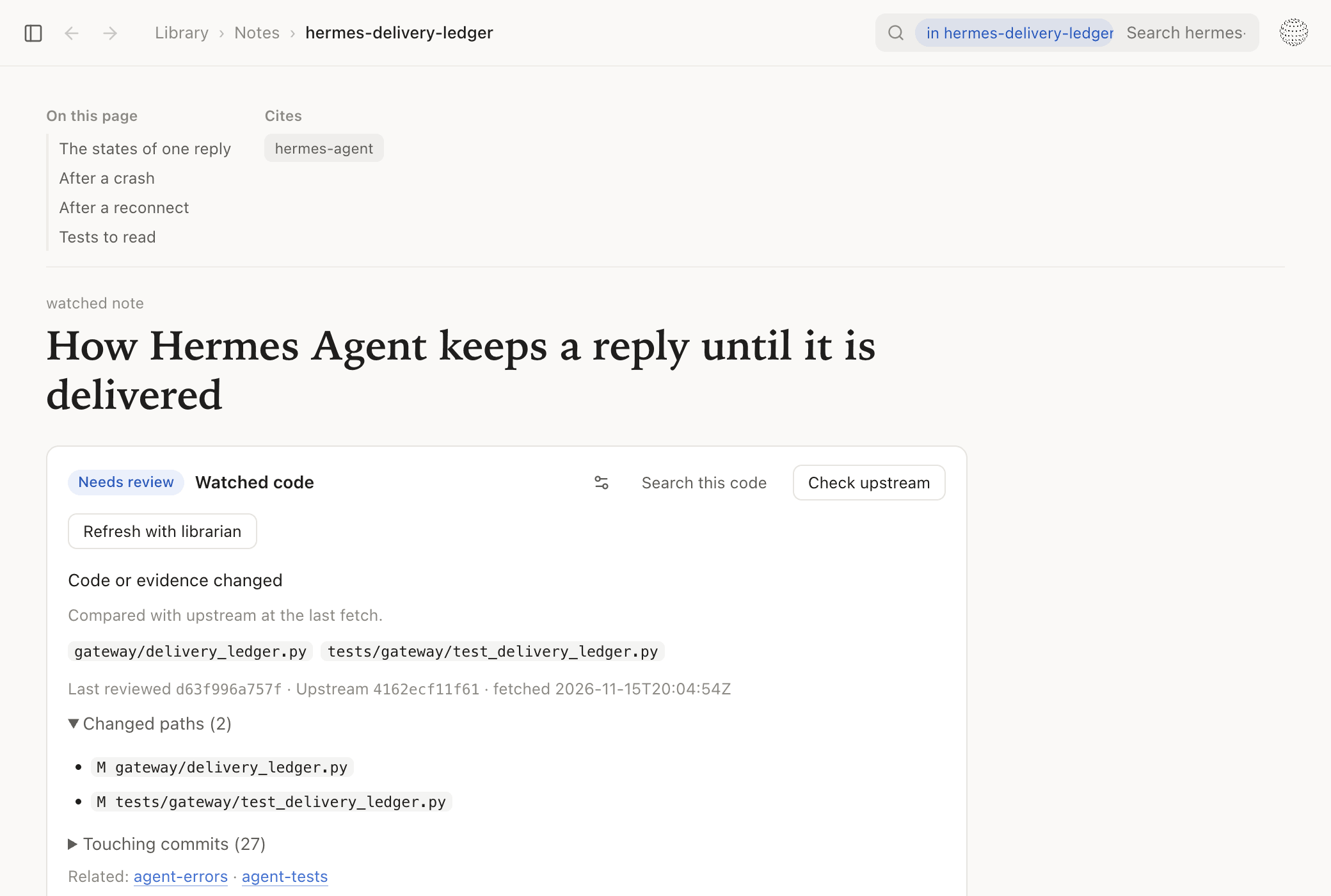
Choose the files that a note depends on. Check for changes since the last review.
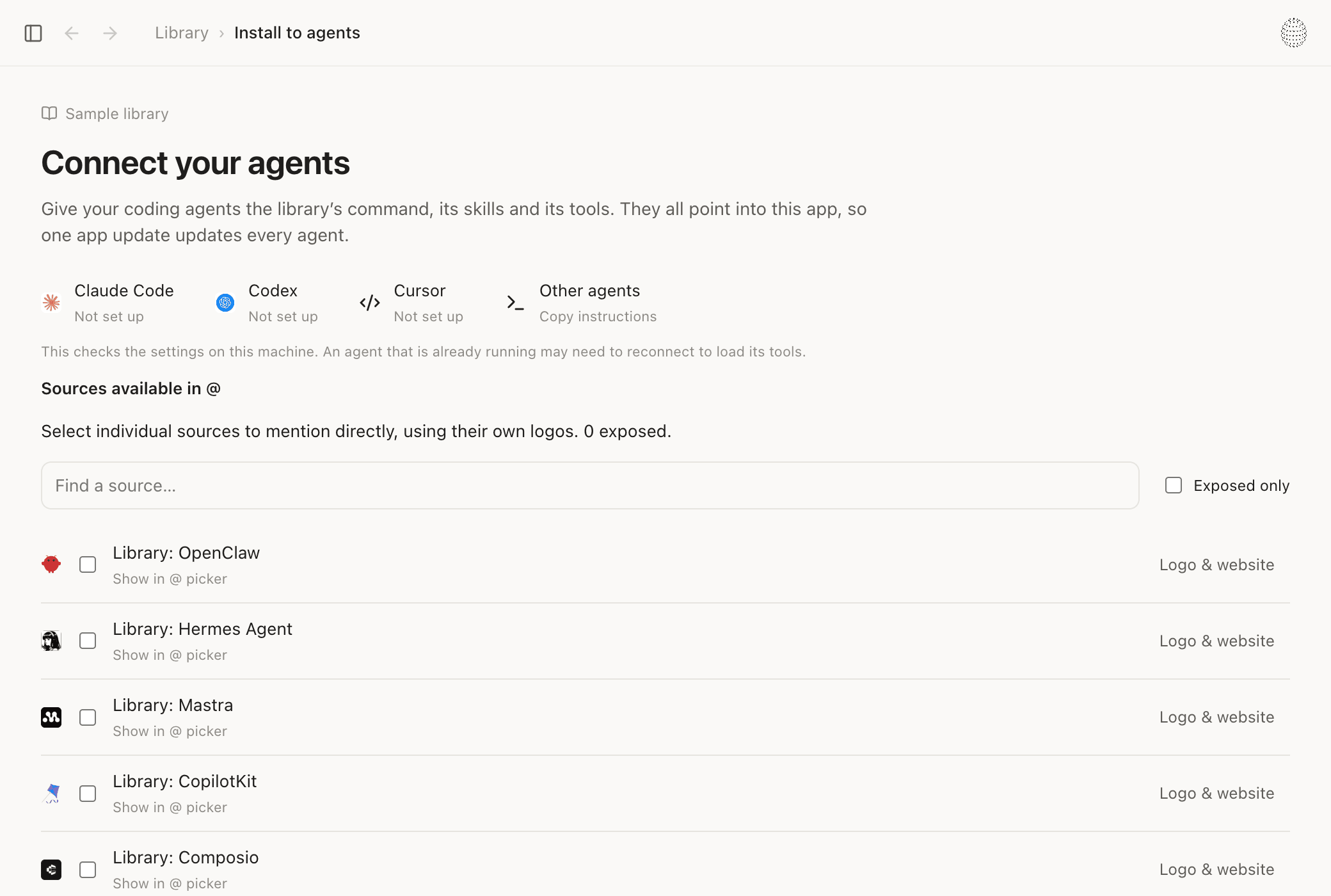
Give your coding agent access to the library. Use the command line, skills, or MCP tools.
Search Discover. Filter by tag. Add the projects you need to your library.
Read downloaded source files without a network connection. Each copy has a recorded code version.
Search source files, project summaries, and notes. Limit the search to one project.
Open a code reference from a note or answer. Read the file at the recorded version.
Ask a question about your library. The librarian can read the code and compare projects.
Connect Codex, Claude, or Grok. Select an available model for the librarian.
Create a project. Keep its source projects and notes together. Give your agent this context.
Write a note with links to the code. Edit it as your understanding changes.
Choose the files that a note depends on. Check for changes since the last review.
Ask the librarian to review changed code. It can revise the note and record the review.
Give your coding agent access to the library. Use the command line, skills, or MCP tools.
Every project is kept at a recorded commit.
Results come from the code index, not from a model.
The code is on your Mac. Reading it needs no network.
When grep finds nothing, every file that could match was read.
Reads 15 languagesPython · TypeScript · JavaScript · Rust · Go · Swift · Ruby · Java · Kotlin · C# · C · C++ · Objective-C · SQL · Shell
Sometimes, in order to build better products,
we have to build better tools.